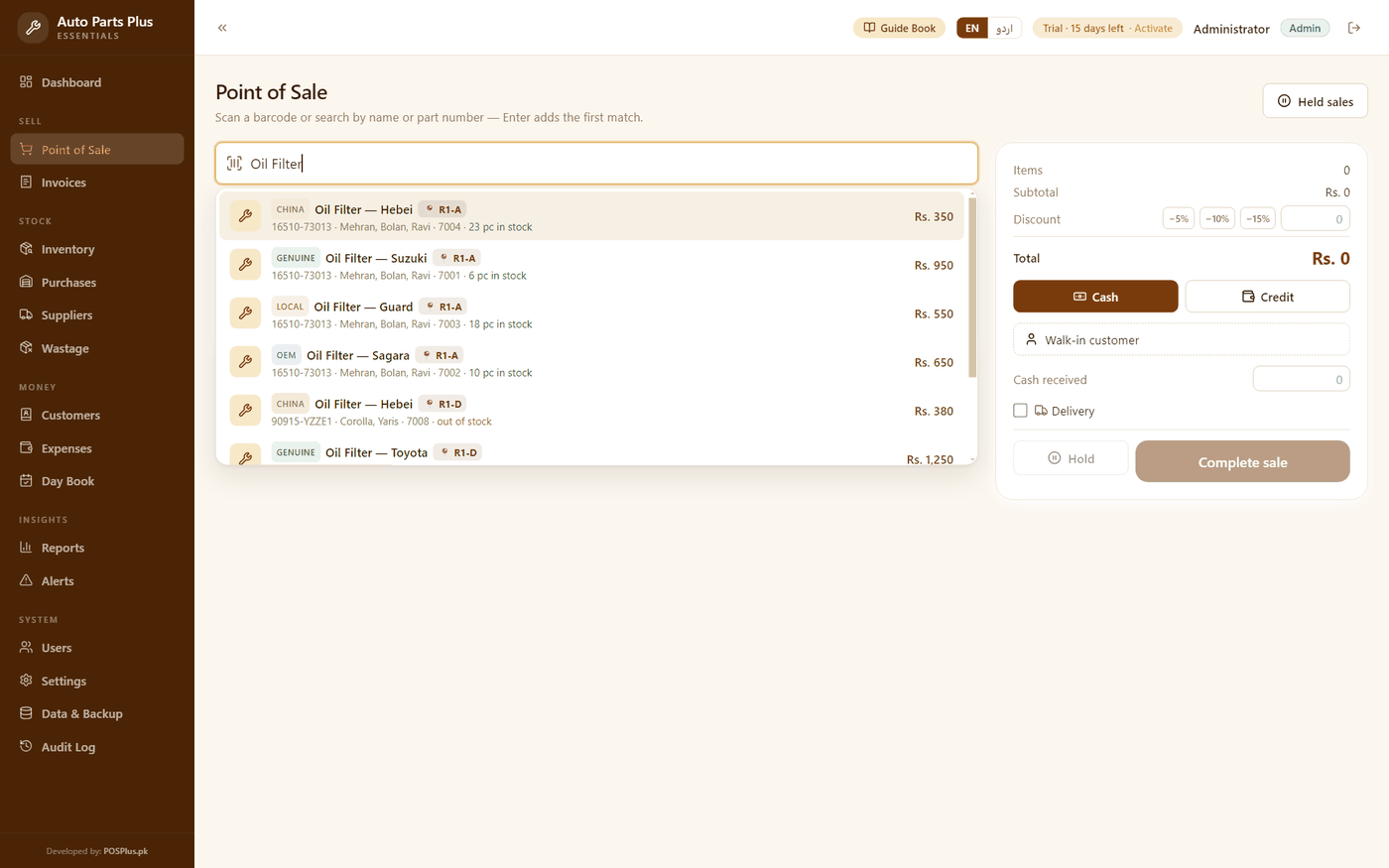
Auto Parts Plus
For auto parts shops — every number, every grade, every rack.
Search by part numberFour grades, four pricesThe 📍 rack chip
Barcode billing, loose staples weighed to the gram, today's rates on one board and every customer's khata — one fast program that works without internet, in English or اردو. The only POS in the family where “100 rupe ki cheeni” is a button.
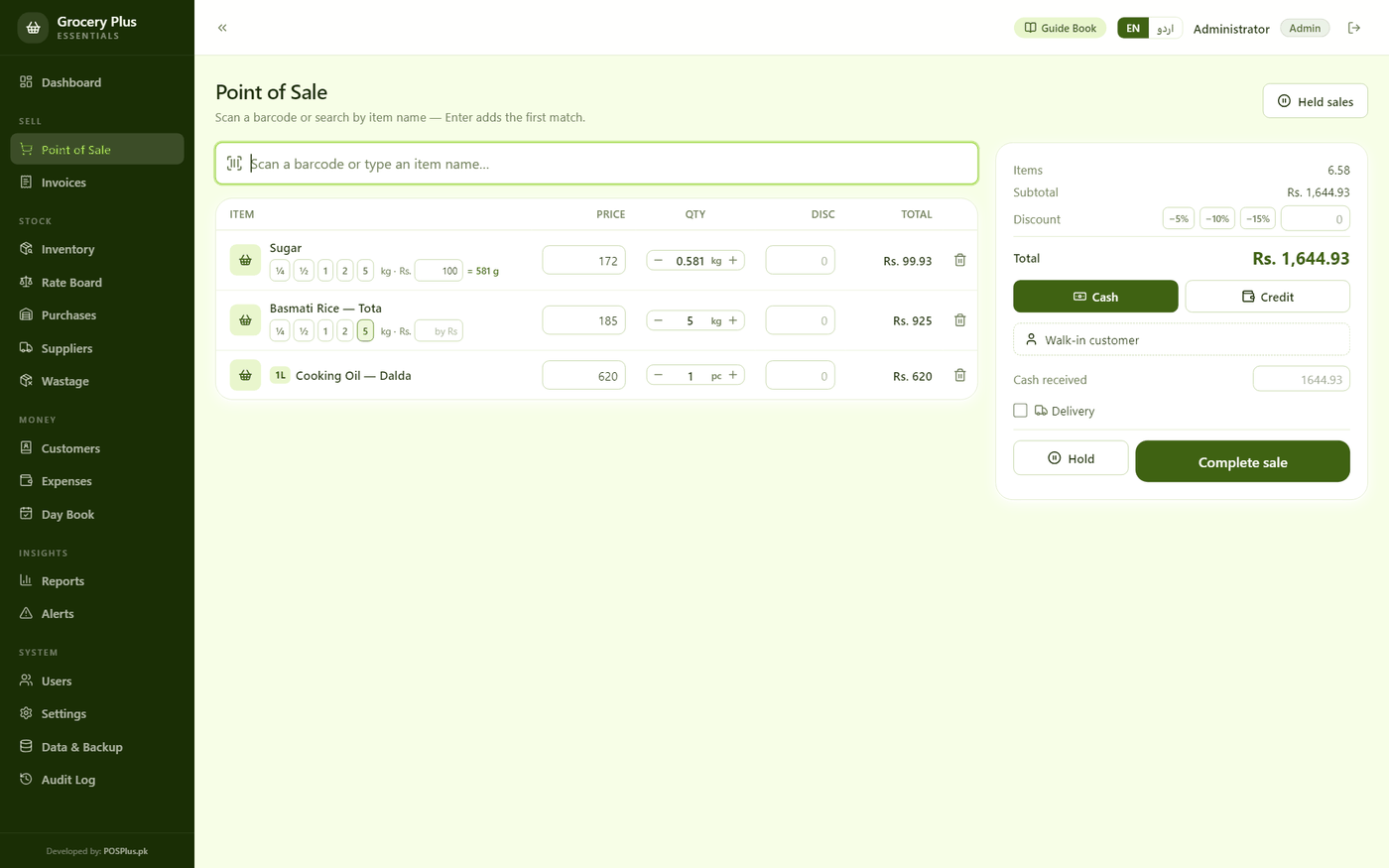
Both of your counters, one till:
…loose on the tarazu, packed on the shelf
Built for how Grocery Plus customers actually sell — not generic retail rows.
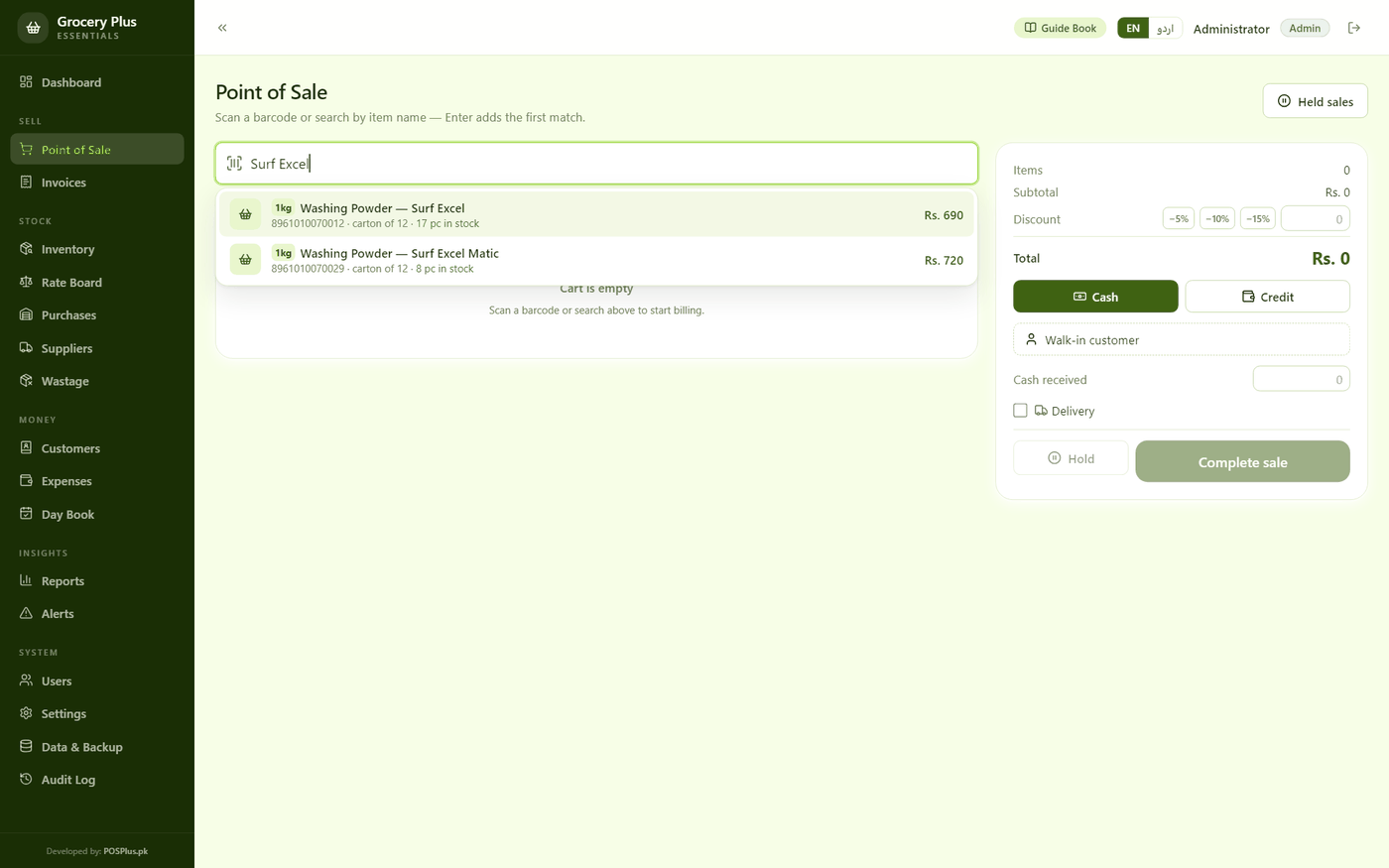
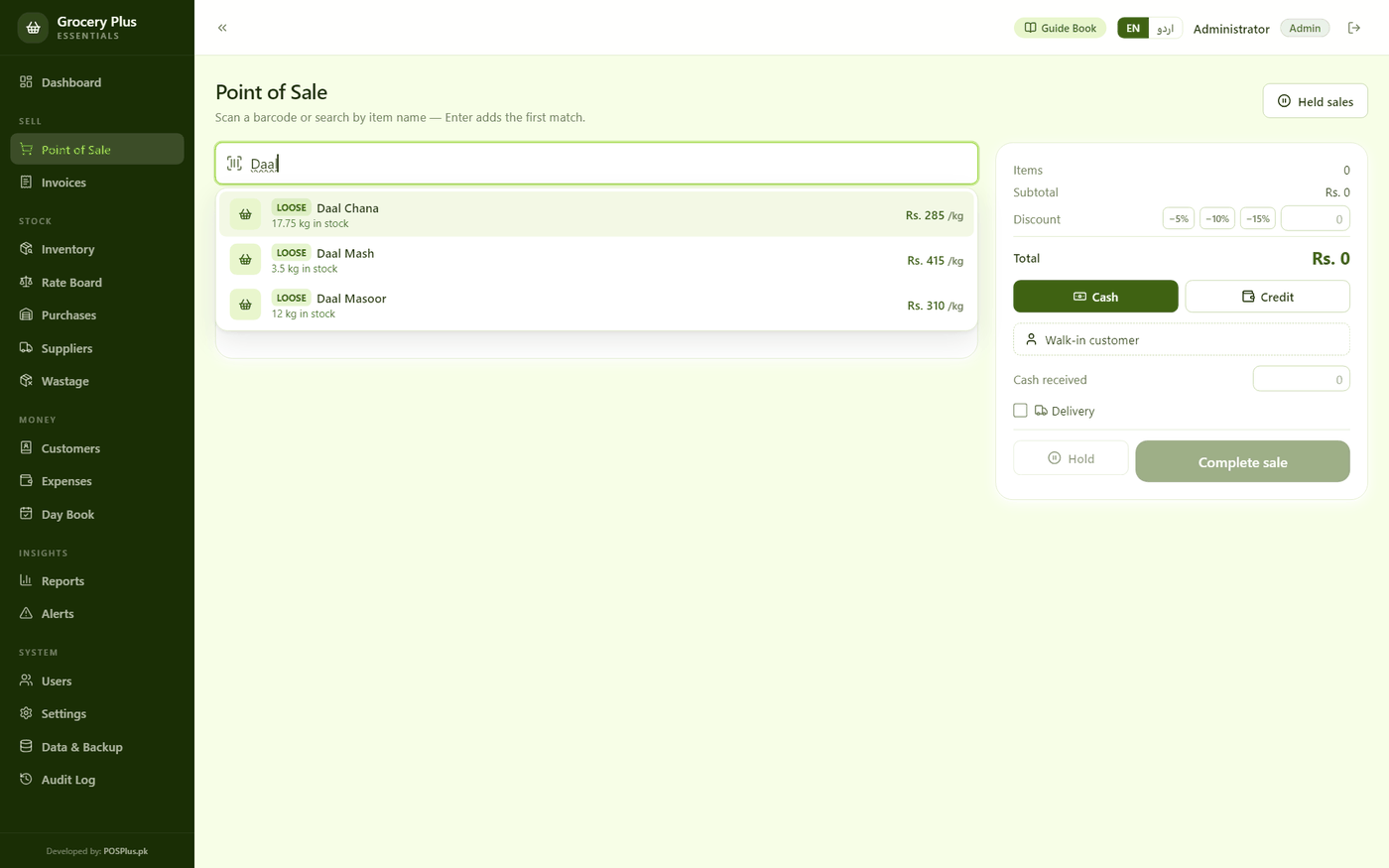
Every packet rings up by barcode with any ordinary USB scanner — Surf Excel and Surf Excel Matic look the same on the shelf, never on the bill. No scanner? Type three letters of the name.
Sugar, rice, daal, atta — loose staples are weighed, not counted. One tap puts ¼, ½, 1, 2 or 5 kg on the line; the quantity box takes any weight down to the gram.
Customers order in rupees, not kilos. Type 100 in the little Rs box and the app works the grams out from today's rate — never a paisa over the note in their hand.
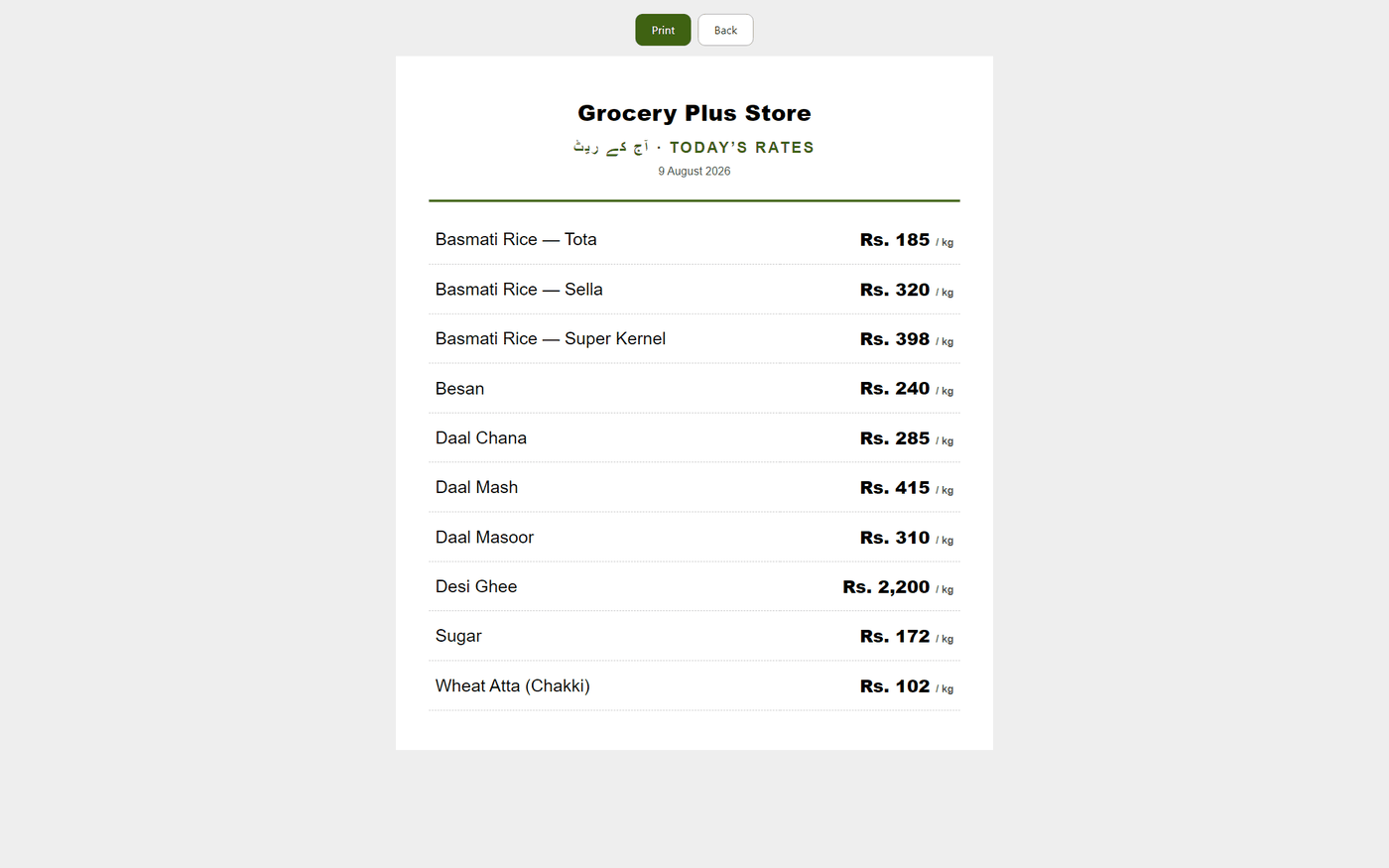
Every loose staple with today's rate per kg, changed in one tap when the mandi moves — the counter sells at the new rate the same second, and the wall copy prints in big type.
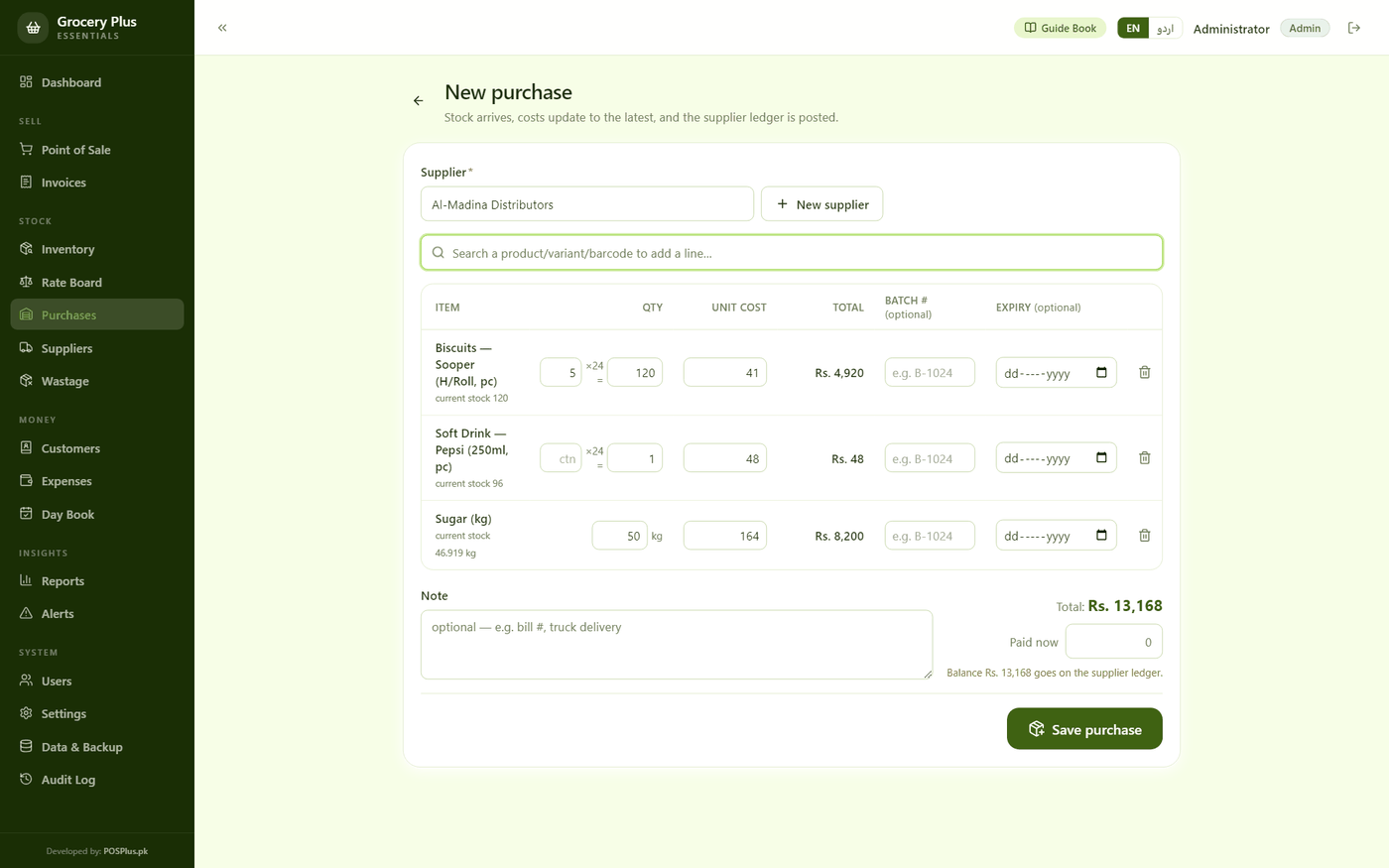
The distributor's bill says 5 cartons; your shelf counts pieces. Type the cartons and the pieces are worked out — stock stays one honest number.
The old register without the old fights. Every bill and every payment on each customer's ledger, with partial udhaar — some cash now, the rest on the khata.
Daal Mash down to 3½ kg? The Rate board and Alerts flag it before the sack runs out — with the rupees sitting in every sack shown beside it.
One button sends the customer their bill on WhatsApp — the monthly-list aunty gets her total without a scrap of paper.
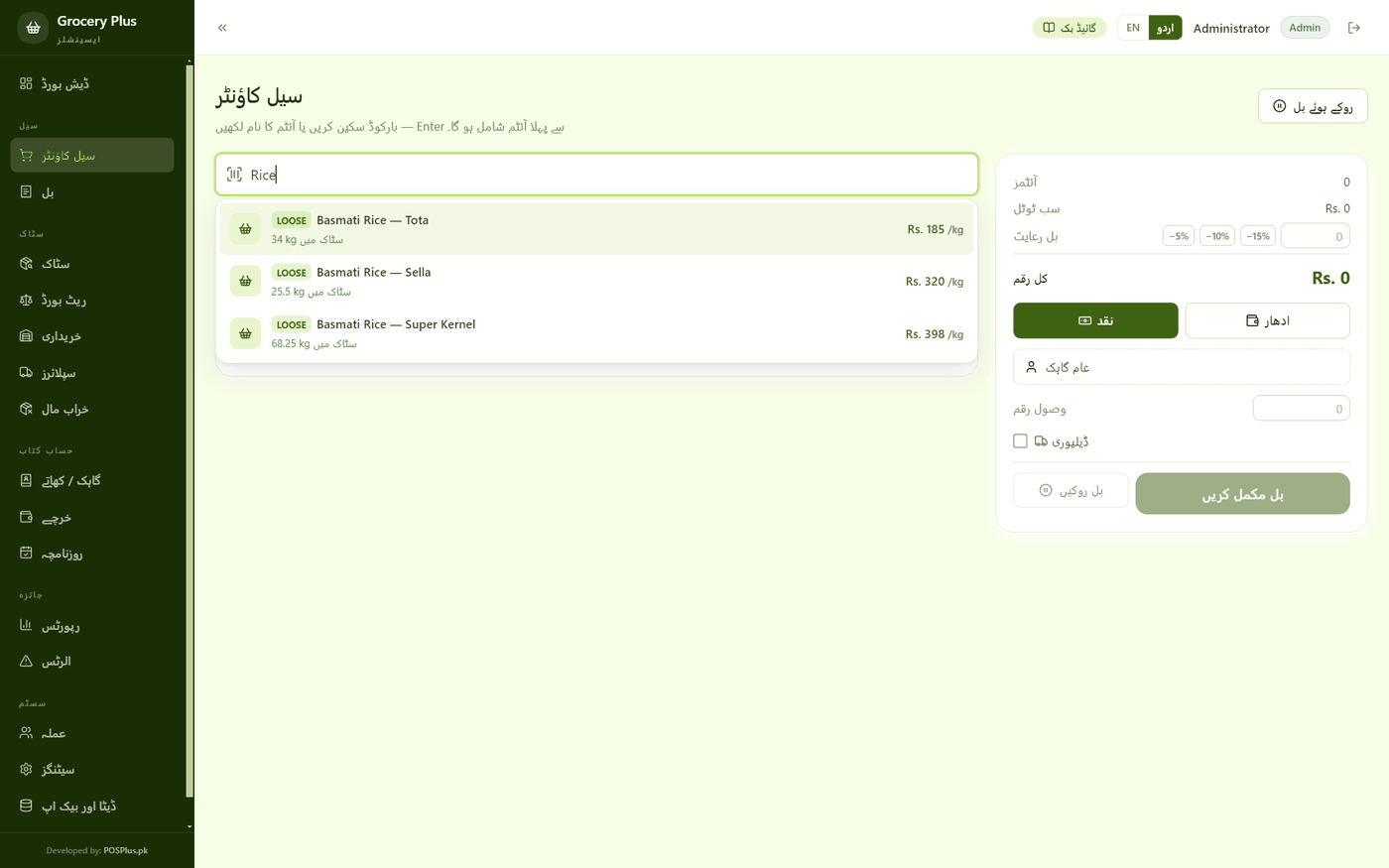
One tap switches the whole counter to shopkeeper Urdu — سیل کاؤنٹر، کھاتہ، ریٹ بورڈ. Not book Urdu; the words your staff actually say.
No internet? No problem. Billing, stock, khata and reports all run on your own computer — load-shedding proof.
A short help book inside the app, English and اردو — one screen per job. Hand it to new staff on day one instead of standing over them.
Hourly and daily backups on your own machine, one-click copy to USB — and saving or restoring asks for the administrator password.
Half a kiryana's money sits in sacks: sugar, rice, daal, atta, sold loose at rates that change with the market. Grocery Plus keeps that whole side of the shop on one board — today's rate per kg for every staple, the kilos left in every sack, and the rupees sitting in them. Change a rate in one tap; the counter sells at the new rate the same second, and the wall copy prints in type a customer reads from across the shop.
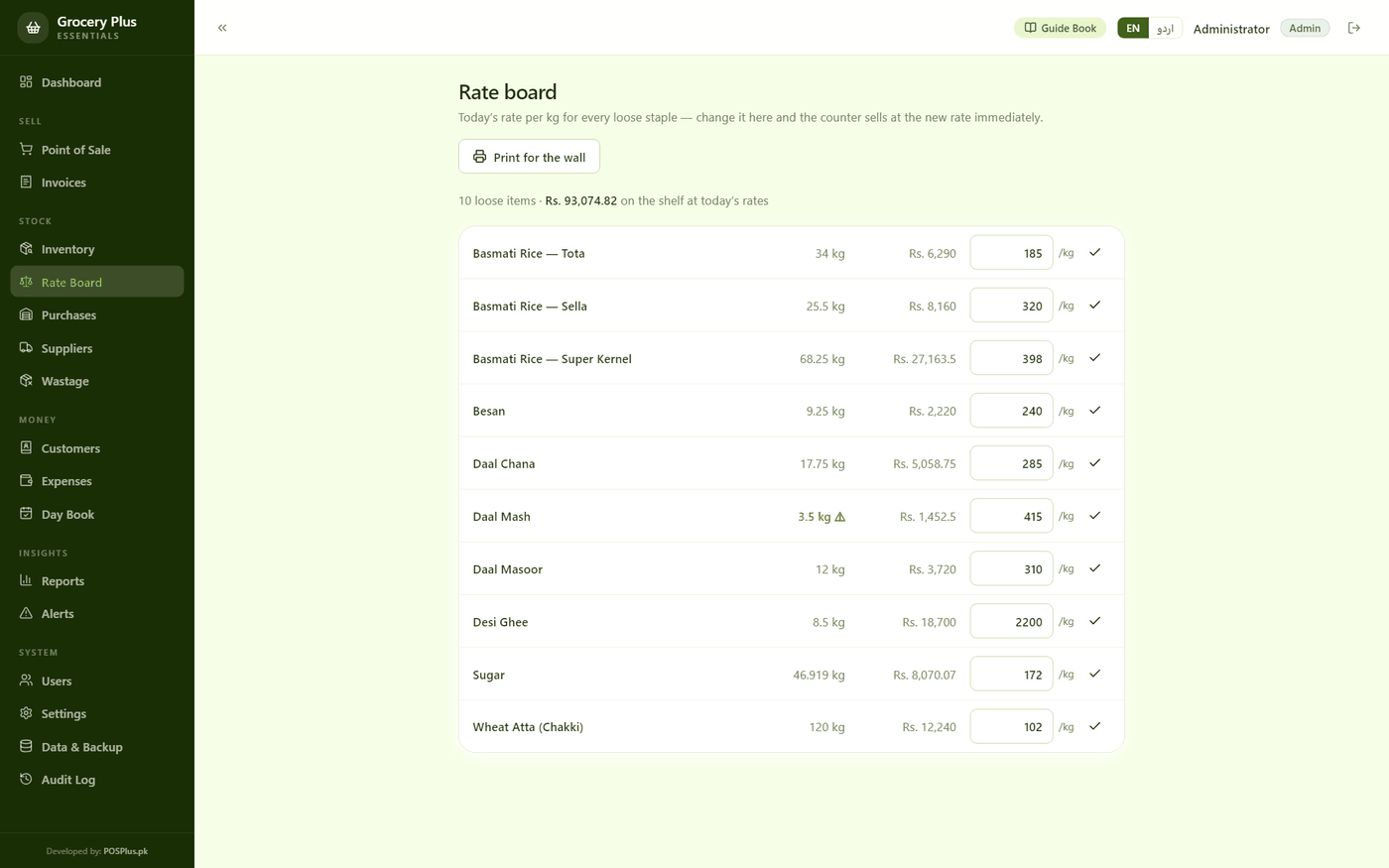
The Rate board — 10 loose staples, Rs. 93,000 on the shelf, and Daal Mash burning at 3½ kg
Every image is a real capture from the running software — no mockups.
 Demo video coming soon
Screenshots above are real captures from the app — the 40-second tour is on its way.
Install Grocery Plus and use everything free for 15 days — no card, no signup.
Bank transfer — account details right on this page. One-time price, no monthly fees, ever.
Send your name, machine code and receipt — your key arrives fast. Paste it in the app, done forever.
Full features for 15 days. Installs on any Windows 10/11 PC in under a minute.
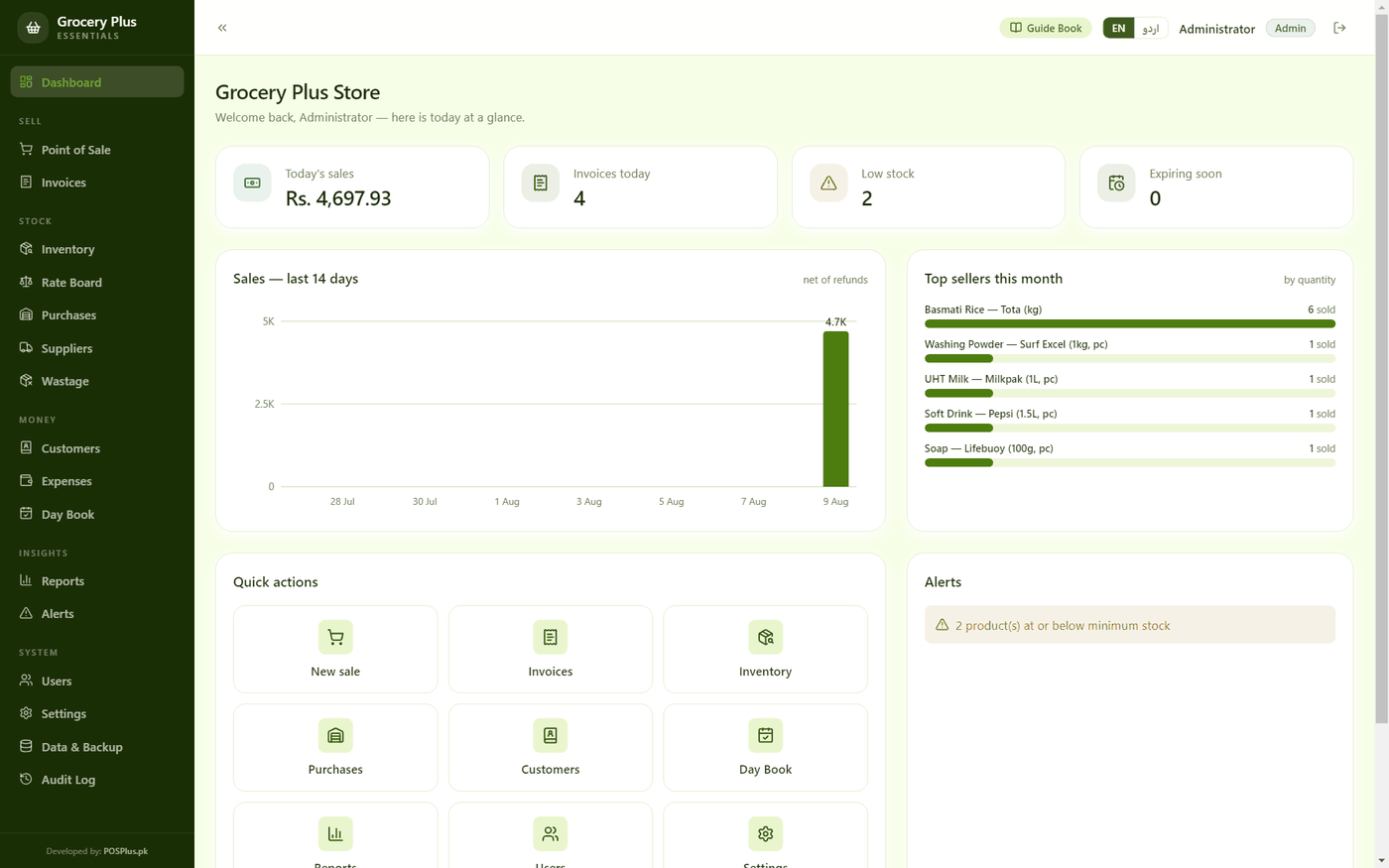 Grocery-Plus-Setup.exe
v2.0.0 · 124.1 MB · Windows 10/11
Windows may show a blue “SmartScreen” notice — click More info → Run anyway. It appears because we’re a new publisher, not because anything is wrong.
Rs. 35,000 Lifetime · one computer · no monthly fees
Your key is locked to this one computer by its machine code and works forever — activation takes one paste in the app.
Same offline engine, same one-time price — each built for its own trade.
For auto parts shops — every number, every grade, every rack.
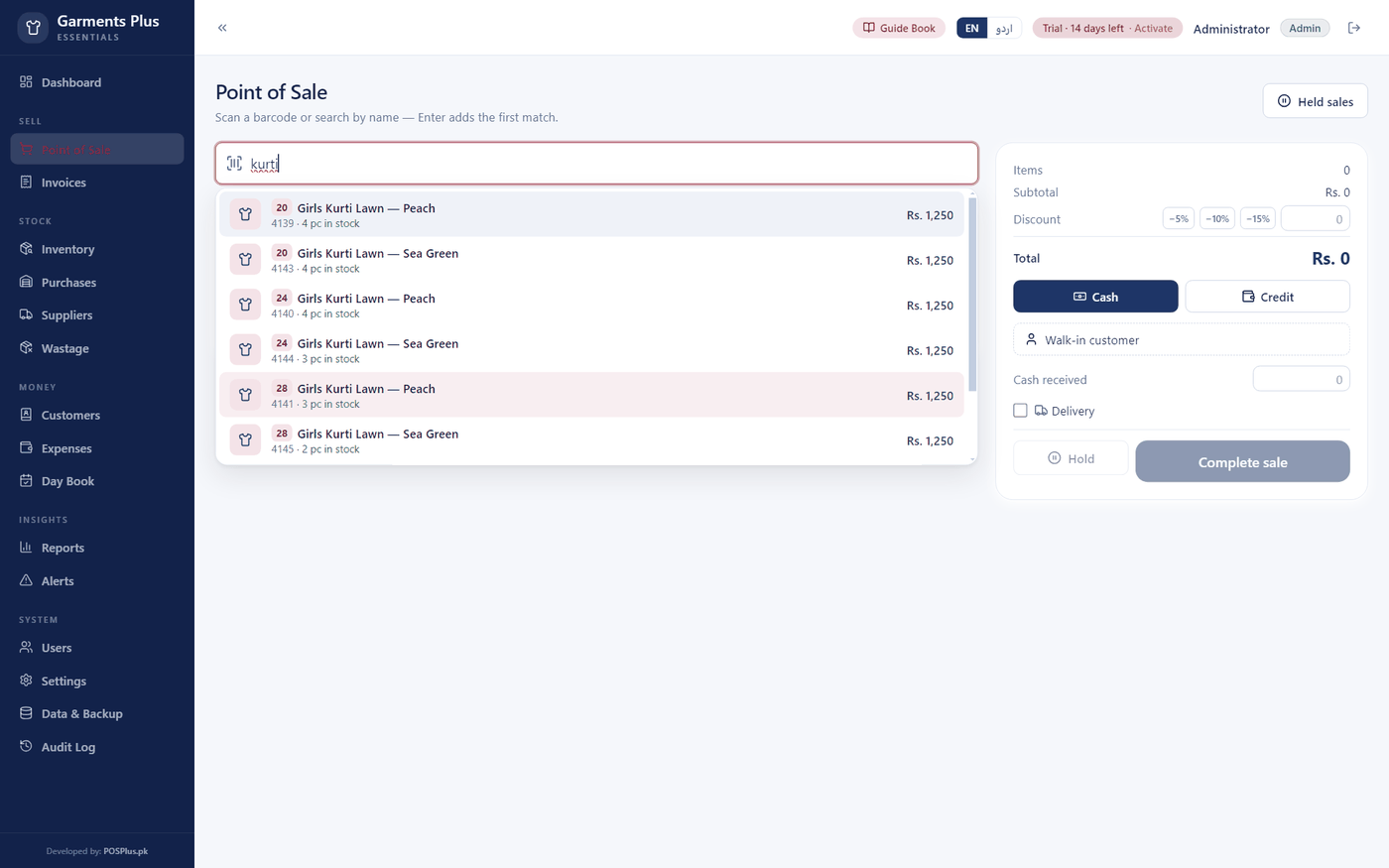
For garments stores — men, women & kids.
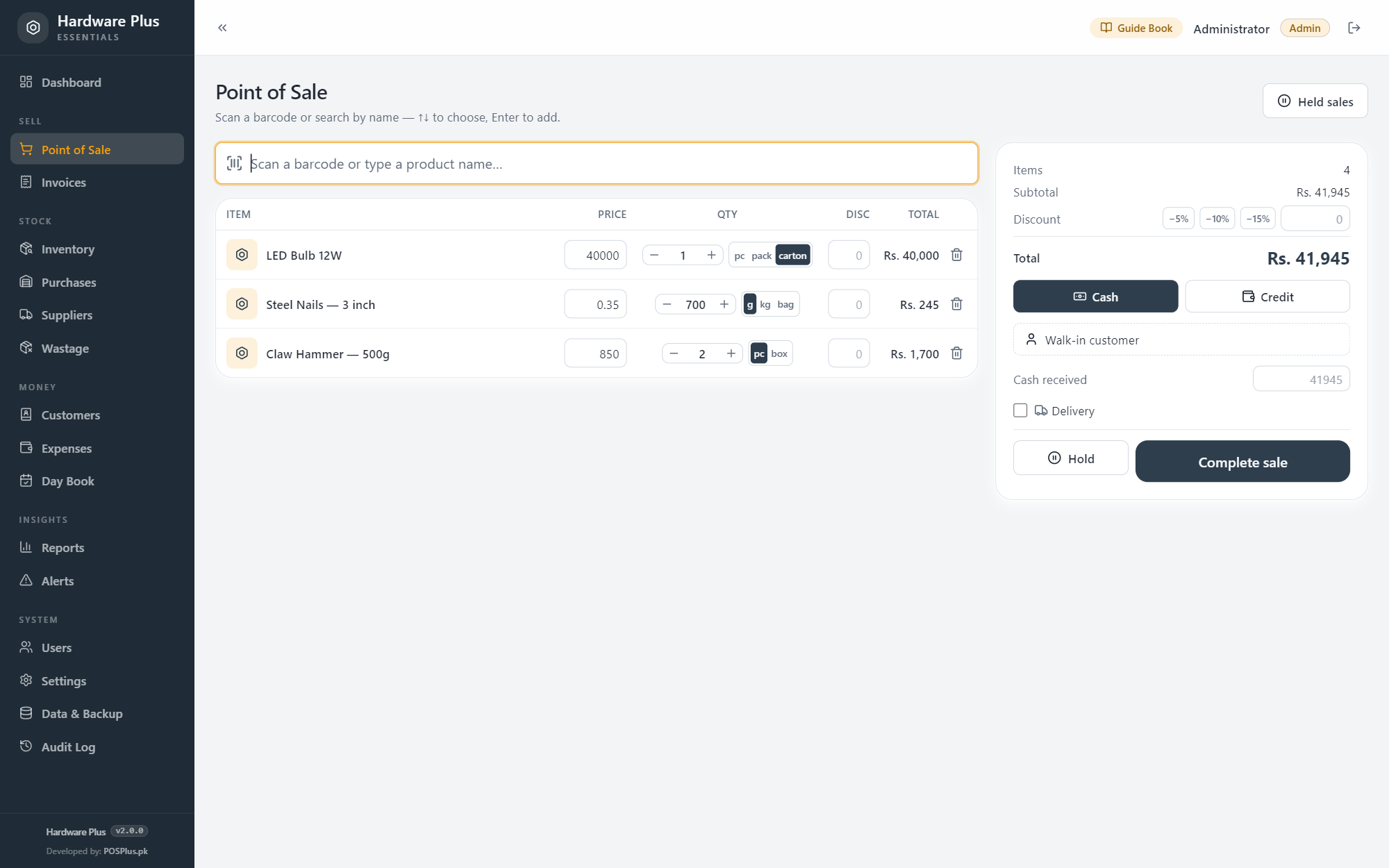
For hardware shops — one item, three prices, one honest stock figure.
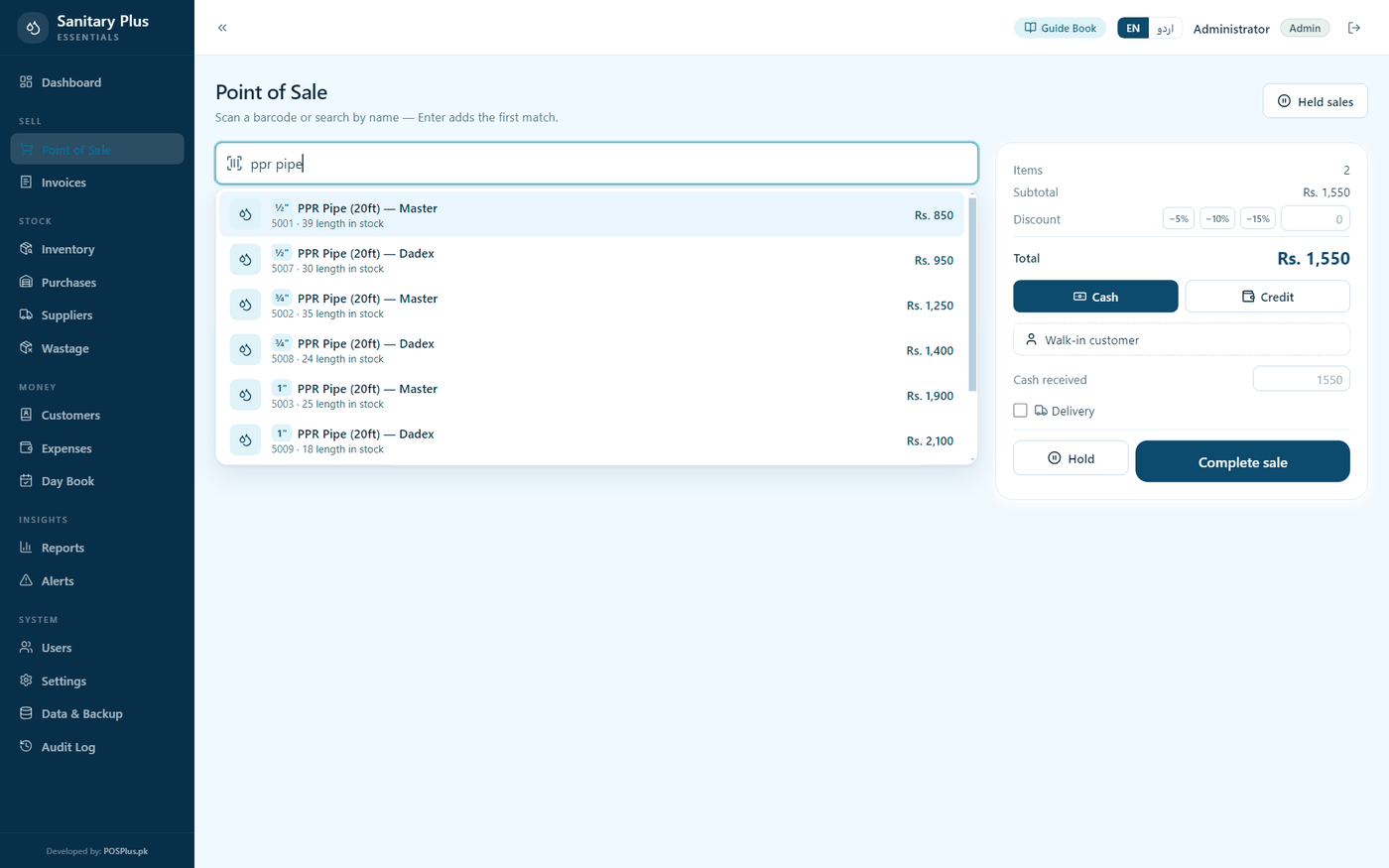
For sanitary & plumbing stores.
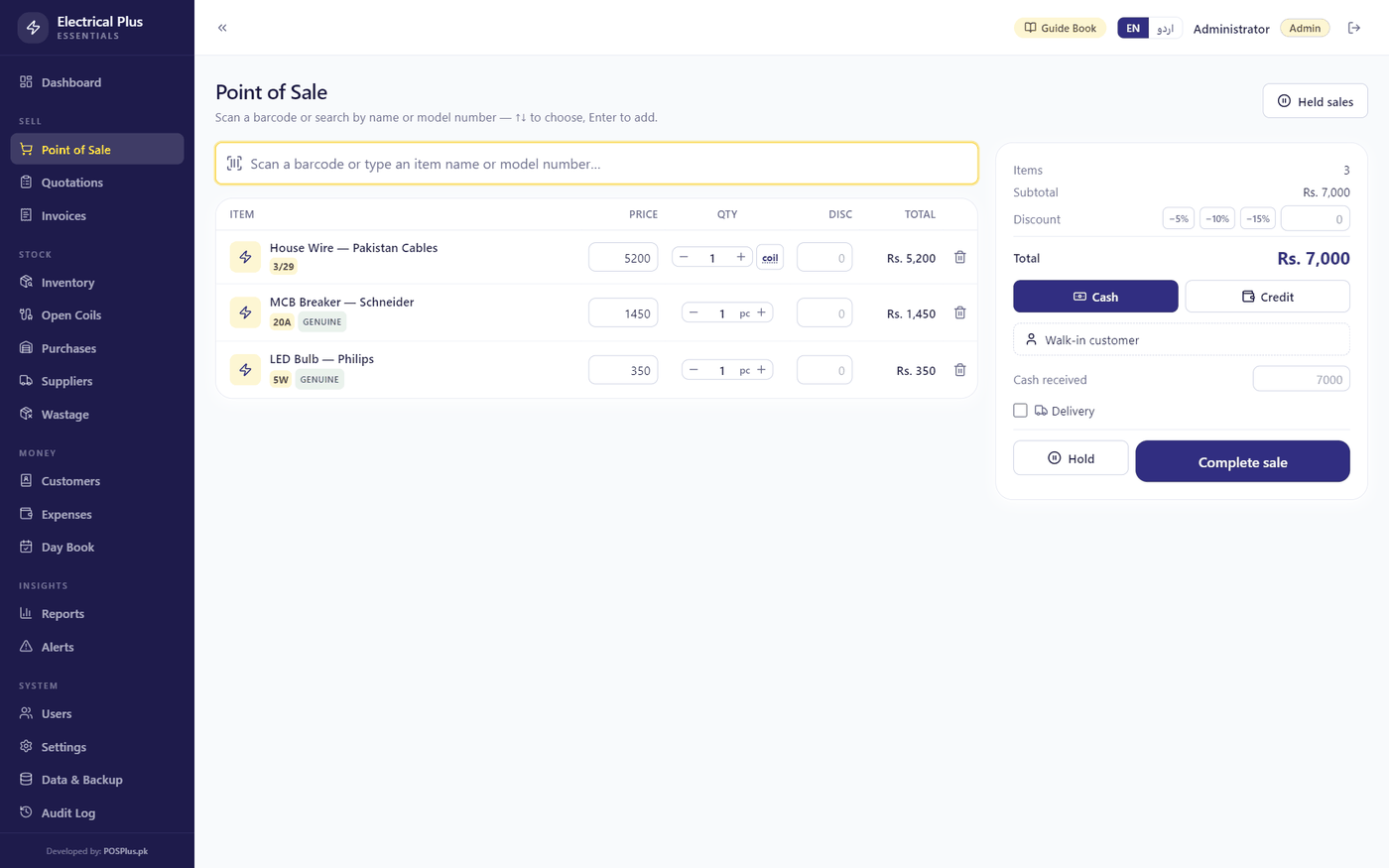
For electrical goods shops — wire by the meter, quotes by the house.
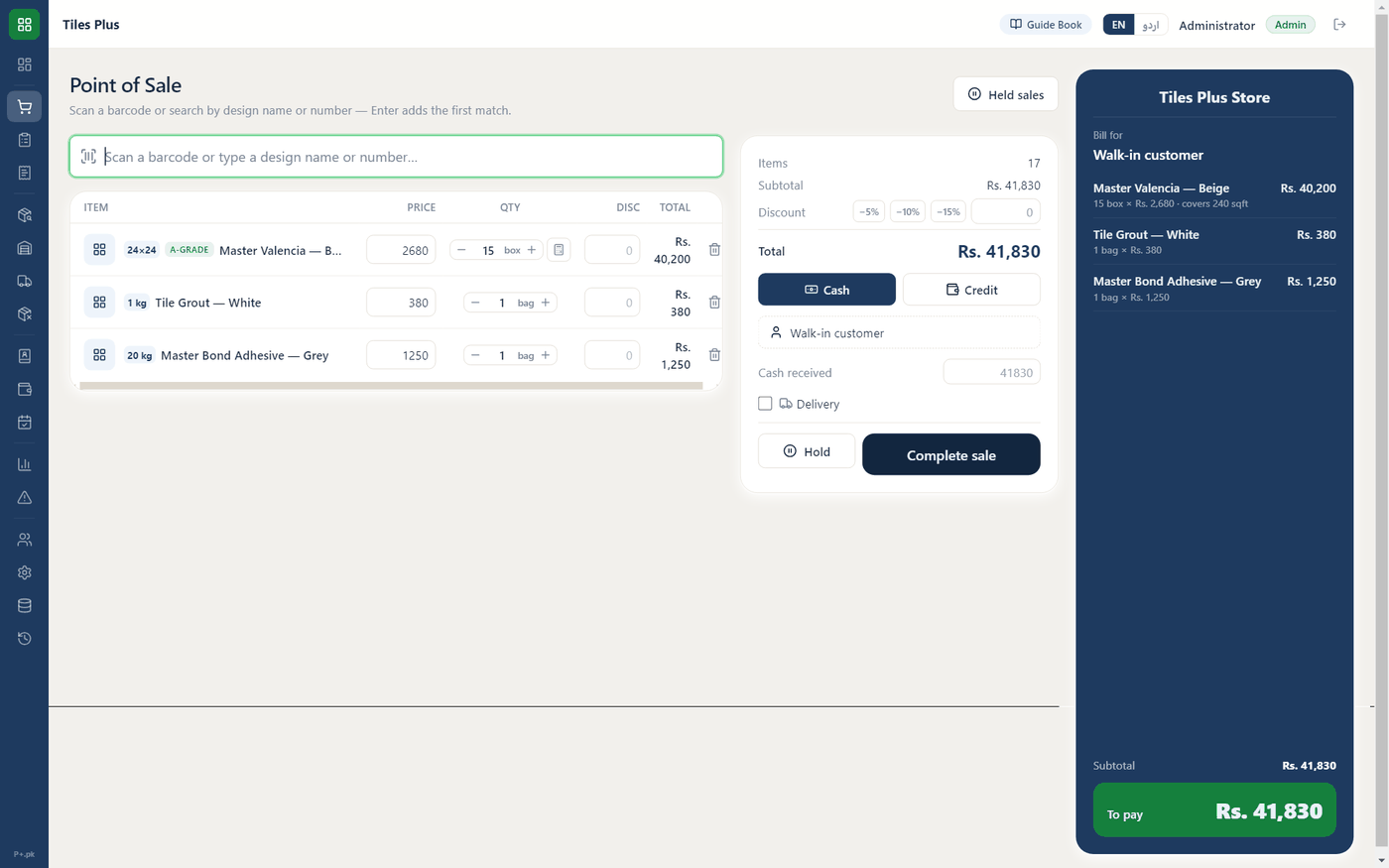
For tile & ceramics shops — sqft to boxes, A/B grades & whole-house estimates.
Yes — that is the heart of it. Mark an item “Loose — weighed by the kg” and its price becomes a rate per kg, its stock is kept in kilograms down to the gram, and the counter sells it in any weight: the ¼–5 kg buttons, a typed weight like 1.75, or a rupee amount that the app converts at today's rate.
The board every kiryana already hangs on the wall — inside the software, with the shop's real numbers. Every loose staple is listed with today's rate per kg; change a rate in one tap and the counter sells at the new rate immediately. It also shows the kilos left in every sack and what they are worth, and prints a big-type copy for the wall.
Type the rupees into the small Rs box on the line and the app divides by today's rate to the exact gram — Rs 100 at Rs 172/kg is 581 grams, Rs 99.93 on the bill. It never charges over the note in the customer's hand.
Any ordinary USB barcode scanner works — plug it in and scan straight into the search box; the exact packet lands on the bill instantly. And everything works without one too: type a few letters of the name instead. You can even print your own barcode labels from inside the app.
Pieces — always one honest number. Tell the app once how many pieces a carton holds; then purchase entry takes the distributor's bill in cartons (5 ctn × 24 = 120 pieces, worked out for you) while the shelf, the bill and the reports all count pieces.
Yes — the khata is built in. Choose the customer, and the bill lands on their ledger. If they pay some cash now, only the rest goes on the khata. Every payment prints a receipt, and one screen shows who owes what.
Written by hand in the register a Pakistani kiryana actually uses — سیل کاؤنٹر، کھاتہ، ادھار، ریٹ بورڈ — with English words kept where everyone keeps them. Your counter staff tap اردو once and the software speaks their language.
Only for a few seconds when you activate your license. Daily use — billing, stock, rates, khata, reports, backups — is 100% offline on your own computer.
No. You pay once and the software is yours. The license is locked to your shop computer.
FBR digital invoicing is available on request — for registered businesses, we set it up with you. Talk to us on WhatsApp before you buy and we will tell you honestly what applies to your business.
Yes. That blue notice is Microsoft SmartScreen being cautious with software from new publishers — every new Windows app shows it until enough people have installed it. Click “More info”, then “Run anyway”, and installation continues normally. The installer you download from this page is exactly the one we built.